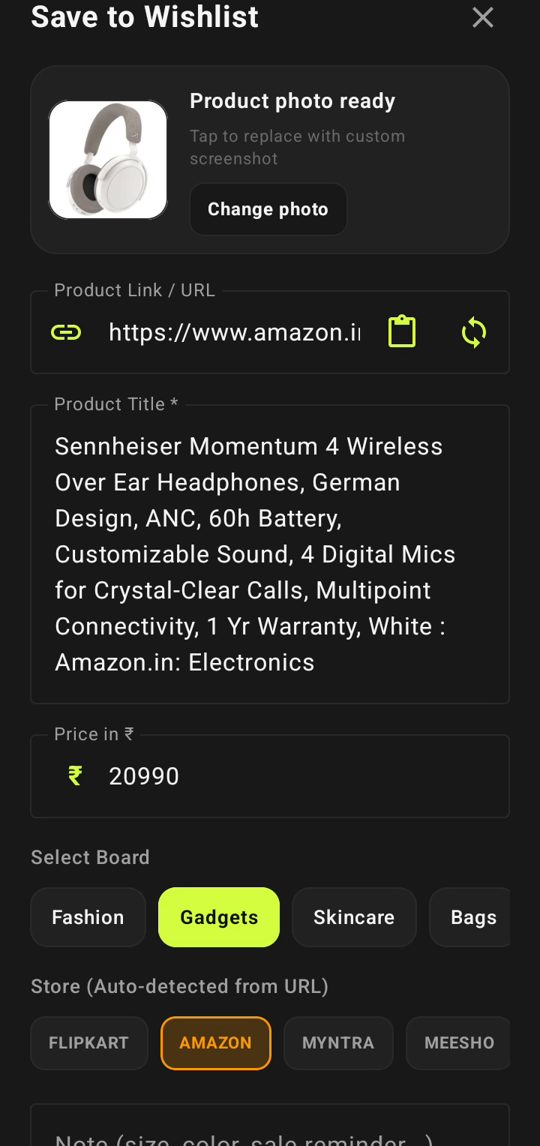
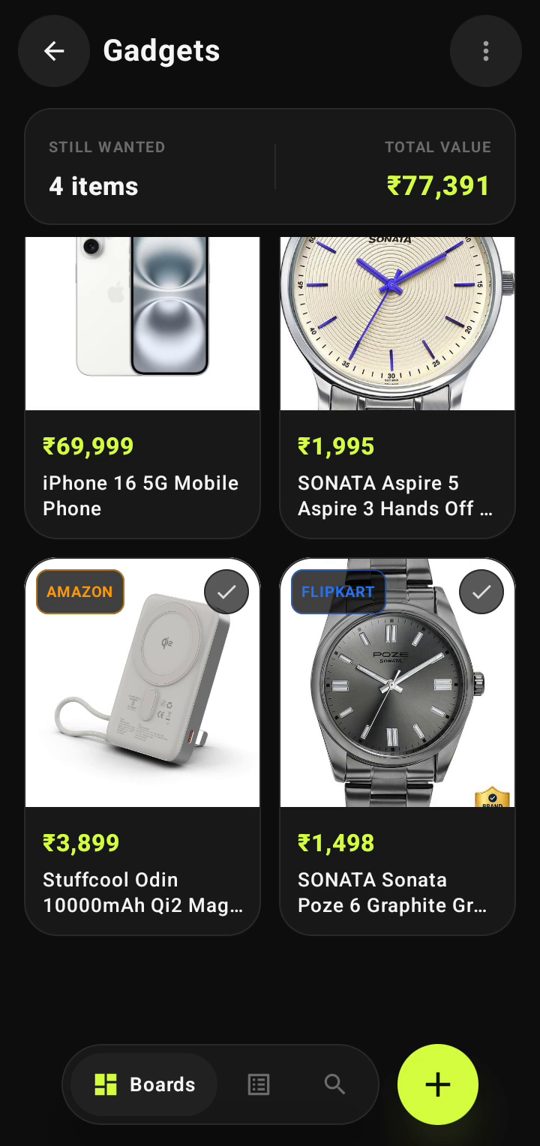
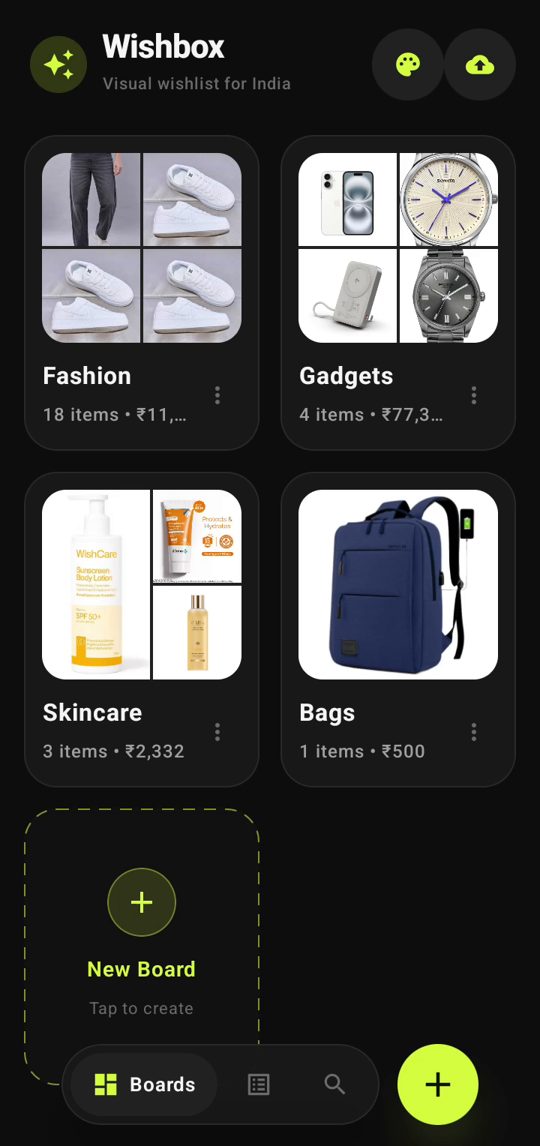
Stop juggling screenshots and five different app wishlists. Share any product to Wishbox and its photo, price and store fill in automatically, sorted into boards you control.
No copy-pasting links, no screenshots. Wishbox sits right in your phone's Share menu.
Browsing Myntra, Flipkart, Meesho or any shopping app? Open the product.
The product photo, title, price and store are filled in for you, and the right board is suggested.
Compare everything in one place, see the total, tick off what you've bought, and buy when the sale hits.

Make a list for anything you're planning, and name it however you like.
Pick items from any of your boards, give the list a title like "Diwali wishlist for Mom", and send one link on WhatsApp. Friends open it in their browser, no app needed, and tap "I'll gift this" so nobody buys the same thing twice.
Wishbox isn't on the Play Store yet, so Android asks for permission once. That's normal for apps downloaded from a website.
Tap Download for Android. If Chrome says the file might be harmful, tap Download anyway.
Open Wishbox.apk. If asked, tap Settings → Allow from this source, then go back.
Tap Install. If Play Protect shows a warning, tap More details → Install anyway.
The app checks for new versions itself and tells you when an update is ready. Problems or ideas? Use Settings → Send feedback in the app, or email wishboxapp.help@gmail.com.
Yes. Saving products, boards, themes and cloud backup are free.
Myntra, Flipkart, Amazon, Meesho, Nykaa, AJIO and Shein work best, and you can save from any other store too. If a store hides its product photo, you can add a screenshot instead.
No. Wishbox only keeps your list. When you're ready, the "Open in store" button takes you to the product in the store's own app, and you buy there as usual.
Some "Open in store" links may be affiliate links. If you buy through them, the store may pay Wishbox a small commission. You pay exactly the same price.
Your wishlist is stored in your own account on Google Firebase and is never sold. Read the privacy policy for details.
Right now. The free Android beta is available above. It isn't on the Play Store yet, so follow the install steps.
Yes. Android shows a warning for any app installed from outside the Play Store. Wishbox only asks for internet access, and it never reads your messages, contacts or photos.
Not yet. Wishbox is Android-only for now.
Free beta for Android, out now.
We'll email you when new features are ready, and when Wishbox reaches the Play Store.
We'll email when there's news.